Latest Posts

COMSOL Multiphysics, a leading simulation software, provides extensive capabilities for modeling and simulation in various scientific and engineering fields. A critical aspect of using such software is the ability to export high-resolution images of your simulation results, particularly for presentations or publications. This blog, based on a YouTube tutorial, offers a step-by-step guide on exporting high-quality images from COMSOL Multiphysics.
COMSOL Multiphysics is a powerful tool for scientific modeling and simulation, offering capabilities to animate simulation results for enhanced visualization and presentation.

In this article, we will explore three popular Finite Element Analysis (FEA) software tools: ANSYS, COMSOL, and Abaqus. We will examine their distinctive characteristics, use cases, and advantages for various engineering scenarios. 💻🔍
In summary, the tutorial provides a straightforward approach to reducing the size of COMSOL project files. This technique is invaluable for researchers and engineers who frequently share simulation data or work with limited storage resources.
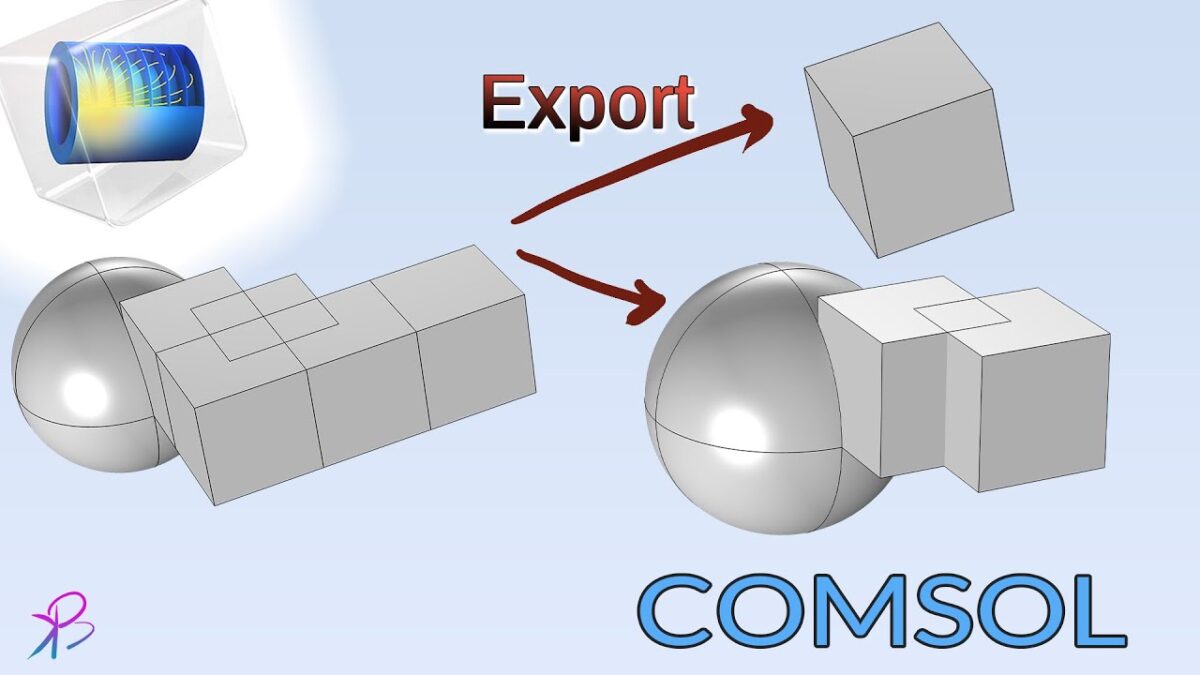
Selective geometry export in COMSOL Multiphysics is a valuable feature for collaborative modeling, allowing for efficient sharing and integration of specific parts of a larger model. This advanced functionality enhances the software’s versatility in handling complex projects involving multiple team members or different model components. For visual instructions and further details, the YouTube tutorial provides a comprehensive guide on this process.
Activating dark mode in COMSOL Multiphysics is a straightforward process that can enhance the user experience. This feature not only offers a visually appealing interface but also caters to the comfort of users working in different lighting conditions.

